
Bitcoin Storage Strategy Calculator
You just bought your first Bitcoin. The transaction cleared, the balance shows up in your exchange account, and now you’re staring at that green number wondering what comes next. Here’s the hard truth: if you leave it there, you don’t really own it. Not fully.
Exchanges are convenient, sure. But they’re also targets. History is littered with stories of platforms like Mt. Gox or more recent incidents involving major US exchanges collapsing under regulatory pressure or cyberattacks. When an exchange goes down, your coins go with it-often without recourse. So, what do you actually do with Bitcoin once you buy it? You move it. And how you move it depends entirely on how much you have and how long you plan to hold it.
The Core Problem: Custody vs. Convenience
Most new investors make a simple mistake: they treat their exchange account like a bank account. It isn’t. Banks are insured by governments (like the FDIC in the US or APRA in Australia). Crypto exchanges are not. If Binance, Coinbase, or Kraken gets hacked or shuts down, you’re unsecured creditor #47,592. That’s not a comforting position.
This brings us to the central concept of self-custody. Self-custody means you control the private keys-the digital passwords-that unlock your Bitcoin. No one else can access them. No government, no hacker, no exchange employee. This is the promise of cryptocurrency: financial sovereignty. But with that power comes responsibility. Lose those keys, and your money is gone forever. There’s no "forgot password" link on the blockchain.
Option 1: Hot Wallets for Active Traders
If you’re actively trading, moving small amounts daily, or using Bitcoin as a payment method, you might keep some funds in a hot wallet. A hot wallet is any wallet connected to the internet. This includes mobile apps, desktop software, and even exchange accounts.
Popular hot wallets include Trust Wallet, Exodus, or Electrum. These are great for convenience. You can send coffee money or pay for services instantly. However, because they’re online, they’re vulnerable to malware, phishing attacks, and remote hacks. Never store more than you’re willing to lose in a hot wallet. Think of it like carrying cash in your pocket-you do it for daily use, not for your life savings.
Option 2: Cold Wallets for Long-Term Holders
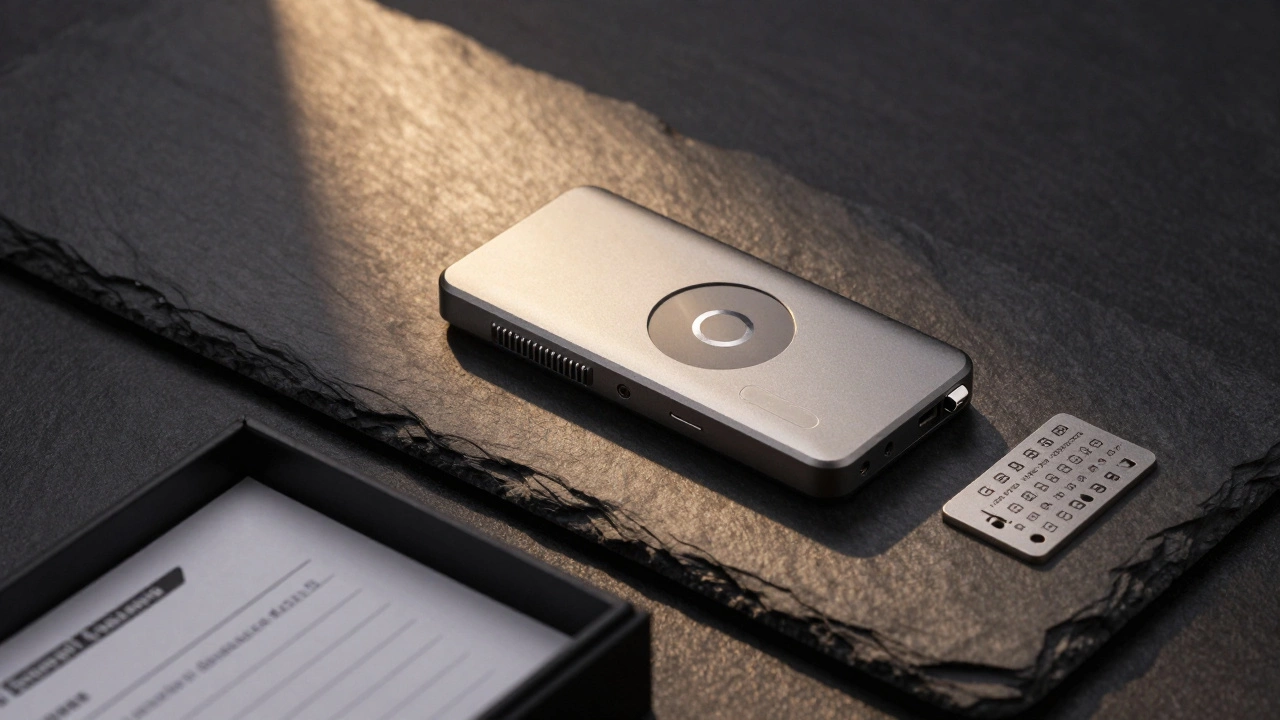
For the vast majority of people buying Bitcoin as an investment, the answer is simple: get a cold wallet. Also known as hardware wallets, these are physical devices that store your private keys offline. They look like USB drives but function differently. They never expose your keys to the internet, even when connected to a computer.
The two industry standards are Ledger (specifically the Nano X or Nano S Plus) and Trezor (Model T or Safe 3). Both cost around $70-$200 AUD. In the world of securing six-figure investments, this is pennies. When you buy one, ensure you purchase it directly from the manufacturer’s website. Counterfeit devices sold on third-party marketplaces have been known to steal funds immediately upon setup.
Setting up a cold wallet involves generating a seed phrase-a list of 12 or 24 random words. This phrase is the master key to your wallet. Write it down on paper. Metal plates designed for fire/water resistance are available and recommended for larger holdings. Store it in a safe place. Do not photograph it. Do not save it digitally. Do not share it with anyone. Ever.
Option 3: Multi-Signature Setups for High Net Worth
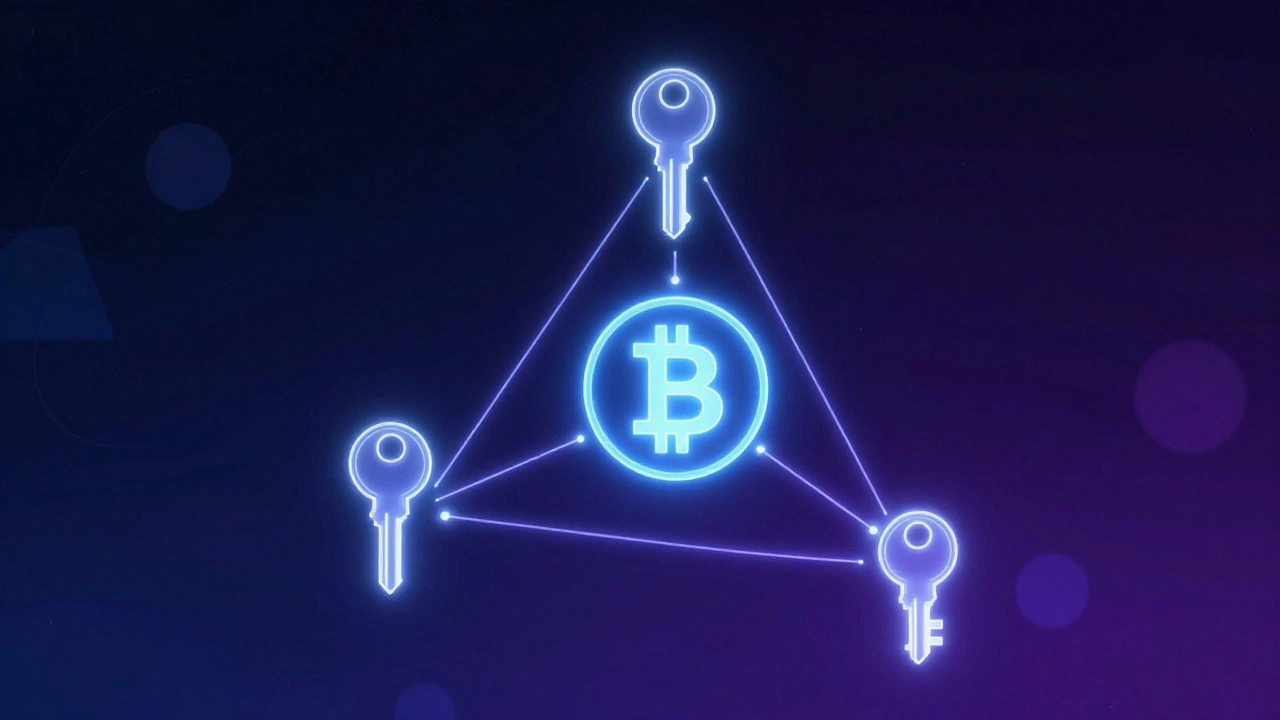
If you’re holding significant value-say, over $50,000 AUD-you might consider a multi-signature wallet (multisig). Unlike standard wallets where one key unlocks funds, multisig requires multiple keys (e.g., 2-of-3) to authorize a transaction. This adds layers of security. For example, you could keep one key in a home safe, another in a bank deposit box, and a third with a trusted family member. To move funds, you’d need two of those three keys. This protects against theft, loss, or coercion.
Services like Unchained Capital or Casa offer managed multisig solutions. While slightly more complex to set up, they provide robust protection for serious investors. This is often used by institutional players but is increasingly accessible to individuals.
Option 4: Self-Custodial Hosting Services
Another emerging option is self-custodial hosting. Companies like Casa allow you to run your own node-a full copy of the Bitcoin blockchain-on their infrastructure while you retain sole control of your keys. This combines the security of self-custody with the ease of a user-friendly interface. You don’t need to understand technical details; you just verify transactions on your device. This is ideal for those who want maximum security without managing hardware themselves.
| Storage Type | Security Level | Convenience | Cost | Best For |
|---|---|---|---|---|
| Exchange Account | Low | High | Free | Active traders, small amounts |
| Hot Wallet (Mobile/Desktop) | Medium | High | Free | Daily spending, small holdings |
| Cold Wallet (Hardware) | High | Medium | $70-$200 | Long-term investing, most users |
| Multi-Signature | Very High | Low | $100+ | High net worth, institutional |
| Self-Custodial Hosting | High | Medium-High | Subscription fee | Users wanting ease + security |
Step-by-Step: Moving Your Bitcoin Safely
Here’s how to transfer your Bitcoin from an exchange to a cold wallet:
- Purchase a reputable hardware wallet directly from Ledger.com or Trezor.io.
- Initialize the device following the official instructions. Write down your seed phrase on the provided card. Verify the backup by entering a few words when prompted.
- Install the companion app (Ledger Live or Trezor Suite) on your computer or phone.
- Create a Bitcoin address within the app. This is your public receiving address.
- Log into your exchange and find the withdrawal section. Select Bitcoin.
- Paste your hardware wallet address carefully. Double-check every character. Use the QR code scanner if possible to avoid typos.
- Send a test transaction first. Send a tiny amount (e.g., $10 AUD worth). Wait for confirmations.
- Verify receipt on your hardware device. Once confirmed, proceed with the full amount.
Note: Always double-check addresses. Scammers use clipboard hijacking malware to swap copied addresses with their own. Visually compare the first and last four characters before sending.
Common Pitfalls to Avoid
- Leaving large sums on exchanges: Remember, "not your keys, not your coins."
- Digital backups of seed phrases: Photos, cloud storage, email drafts-all are risky. Paper or metal only.
- Buying counterfeit wallets: Stick to official sources. Check serial numbers.
- Ignoring firmware updates: Keep your hardware wallet software current for security patches.
- Sharing private keys: No legitimate support agent will ever ask for your seed phrase.
Tax Implications in Australia
In Australia, the Australian Taxation Office (ATO) treats Bitcoin as property, not currency. Every time you sell, trade, or spend Bitcoin, it’s a taxable event. Capital gains tax applies based on your income bracket. Keeping records of all transactions-including dates, amounts, and values in AUD-is crucial. Tools like Koinly or CoinTracker can automate this process by syncing with your wallets and exchanges.
Even if you move Bitcoin between your own wallets, it’s generally not a taxable event-but document it anyway for clarity. Consult a qualified accountant familiar with crypto to ensure compliance.
Is it safe to keep Bitcoin on an exchange?
It is convenient but not secure for long-term holdings. Exchanges are frequent targets for hackers and may face regulatory shutdowns. Only keep what you actively trade or plan to spend soon. For anything else, move it to a self-custody solution.
What happens if I lose my seed phrase?
Your Bitcoin is lost forever. There is no recovery service, no customer support, and no backdoor. This is why writing it down physically and storing it securely is non-negotiable. Consider using metal backup plates for durability against fire or water damage.
Can I use a free software wallet instead of a hardware wallet?
Yes, but only for smaller amounts. Software wallets (hot wallets) are vulnerable to malware and phishing. Hardware wallets isolate your keys from internet-connected devices, making them far more secure for significant investments.
Do I need to pay taxes when moving Bitcoin to a cold wallet?
No. Transferring Bitcoin between wallets you control is not a taxable event in Australia. However, selling, trading, or spending it triggers capital gains tax. Keep detailed records of all movements for reporting purposes.
Which hardware wallet is best for beginners?
Both Ledger Nano S Plus and Trezor Safe 3 are excellent choices. They offer strong security, intuitive interfaces, and wide compatibility. Buy directly from the manufacturers’ websites to avoid counterfeits. Start with one of these before exploring advanced setups like multisig.